


I've seen many companies lose sales for a simple reason: the lead asked for a time, asked a quick question, and was left waiting. Sometimes for 10 minutes. Sometimes for hours. In some cases, even the next day. In that interval, interest cools. And the competitor, even with a worse service, gets into the conversation first.
Scheduling automation reduces response time because it attends to the contact at the moment they show intent.
When I think about this topic, I'm not just talking about schedules. I'm talking about opportunity. Whoever responds early shows organization, builds trust, and moves the next step forward frictionlessly. That's why scheduling automation has been gaining ground in sales, customer service, and pre-qualification.
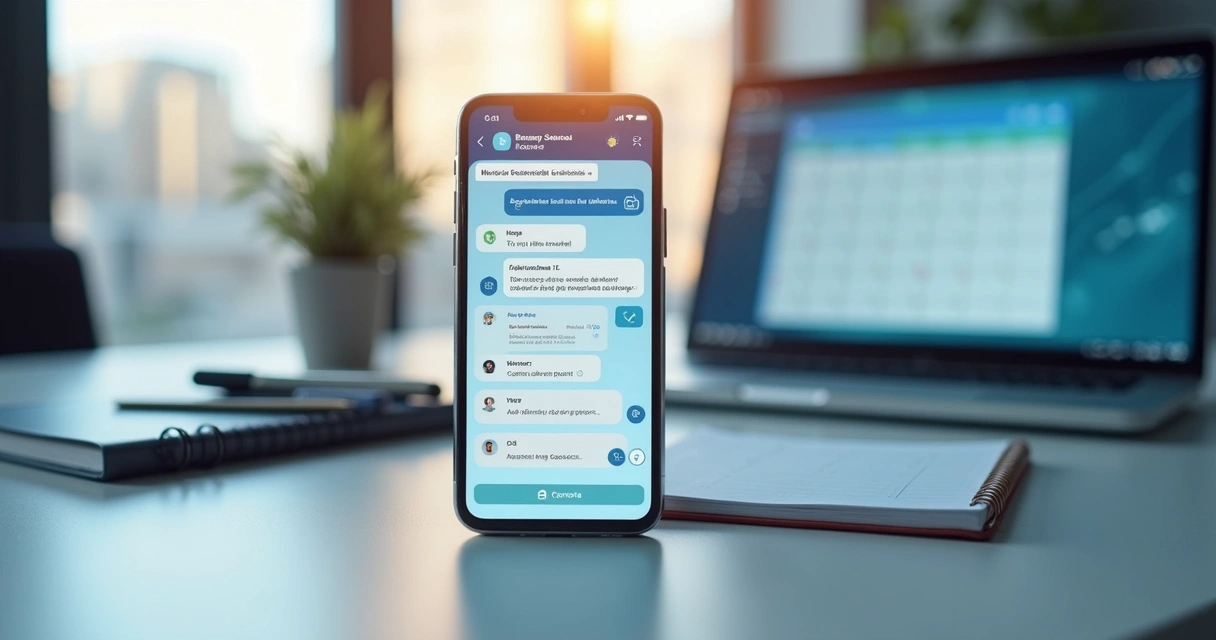
In practice, the logic is simple. The customer sends a message. The system understands the intent. It offers time slots, collects data, confirms the appointment, and, if necessary, transfers to a person. All in the same channel. All without unnecessary waiting. This is exactly where platforms like Lead2Go make a difference, because they combine quick responses, natural conversation, and lead qualification in a single flow.
Why response time matters so much
I often say that the first minute of a business conversation is worth more than many expensive campaigns. When someone makes contact, they are already in motion. If the company delays, that motion stops.
Whoever responds first gets ahead.
This logic appears in various sectors. In critical environments, reducing response time changes real outcomes. A clear example is the average response time of 4 minutes and 30 seconds achieved by the Rapid Response Team of the Municipal Hospital Dr. José de Carvalho Florence, in São José dos Campos. The context is different, of course, but the lesson is similar: when the return happens early, the chance of a better outcome increases.
In business, this appears in very objective ways:
Less conversation abandonment;
More completed appointments;
Better perception of service;
More data collected to qualify the lead.
I've followed operations where the team was good but constantly putting out fires. The problem wasn't a lack of willingness. It was volume. When multiple messages arrive at the same time, someone is left without a response. Automation steps in to solve this point consistently.
How scheduling automation works day-to-day
In routine, the process can be very fluid. The contact arrives via WhatsApp, website, or another messaging channel. Instead of falling into a void, they receive an immediate response, with language aligned to the business.
Scheduling automation organizes the conversation from the first contact to the appointment confirmation.
I see this flow working better when it follows clear steps:
Identification of the lead's intent;
Collection of basic data, such as name, service, and availability;
Presentation of available time slots;
Appointment confirmation;
Sending reminders and updating the team.
This model reduces back-and-forth messages like "can it be at 3 PM?" or "is tomorrow morning okay?". It might seem small, but this back-and-forth consumes time and degrades the experience. When the response already comes with context, the conversation moves forward.
This is precisely why I've come to value more complete solutions. Some tools on the market even schedule, but stop there. Lead2Go goes further because it also qualifies the lead, records metrics, and allows transfer to human support at any time, without breaking the flow.
Where the gain truly appears
Many people think of automatic scheduling only as an operational feature. I think differently. I see it as a sales tool.
When the lead can move forward without waiting, the company avoids three common losses:
The contact who gives up before booking;
The support agent who forgets to respond;
The team stuck in repetitive tasks.
Furthermore, automation helps distribute human work better. Instead of spending time on manual confirmations, the team can focus on cases with a higher chance of closing. For those who want to delve deeper into this point, I recommend Lead2Go's content on improving response time for leads, which helps connect speed with conversion.
I also like to remember that automation isn't just for simple tasks. A methodology combining expert and real-time supervisory systems, presented in a USP thesis, shows how complex processes can gain more control with automated support. In commercial support, the idea is similar: less improvisation and more consistent responses.
Best practices for not automating poorly
Not all automation improves the experience. I've seen rigid, slow, and confusing flows. This drives leads away. To work well, scheduling needs to seem simple for the person interacting.
I suggest observing a few points:
Use natural language, without excessive options;
Offer real and updated time slots;
Ask only for the data needed at that moment;
Make it clear when human support can intervene;
Monitor reports to adjust the flow.
Automating well isn't about talking more with the lead, but about making the lead advance with less effort.
If your company's main channel is WhatsApp, it's also worth reading Lead2Go's material with a practical guide to integrating AI into WhatsApp support. I like this type of approach because it shows how technology enters the routine without complicating operations.
How to measure if automation is delivering results
I don't trust vague perceptions. If a company wants to know if scheduling automation is helping, it needs to look at clear numbers. It's not enough to say "it seems better".
The indicators I observe most are:
Average time to first response;
Completed appointment rate;
Abandonment rate mid-conversation;
Time between initial contact and scheduled meeting;
Quantity of qualified leads delivered to the sales team.
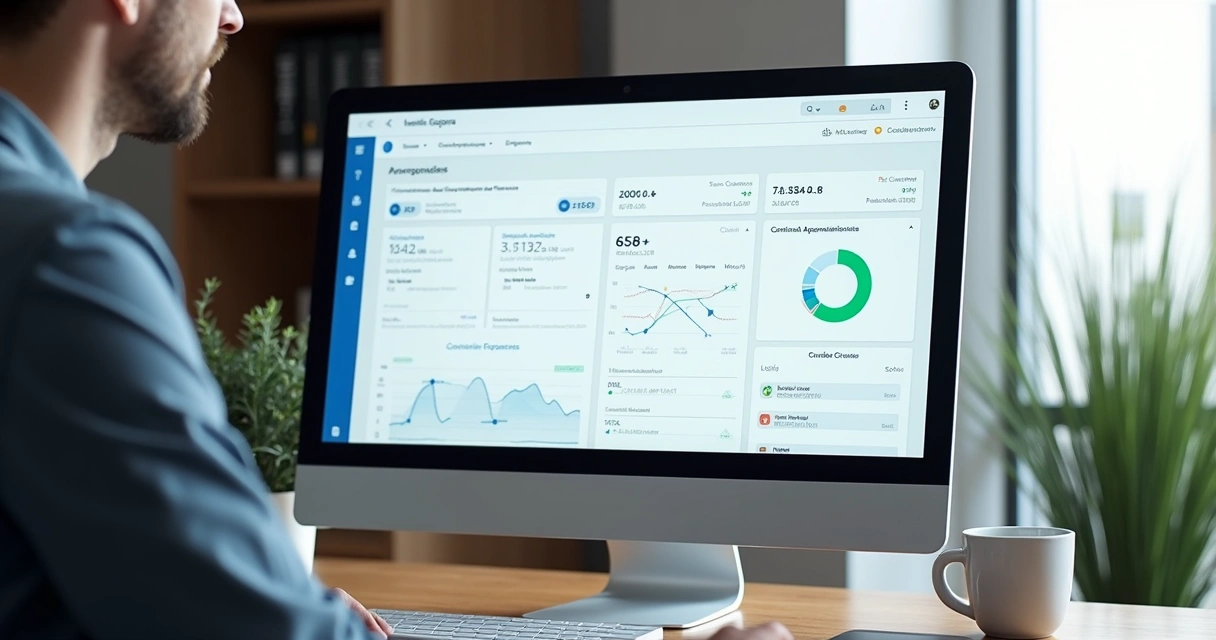
When these data appear on a simple dashboard, management improves significantly. Lead2Go itself works with transparency and objective metrics, which helps the team understand where the flow is good and where it still gets stuck. For this, I recommend reading about what to analyze in lead qualification reports.
Conclusion
When I look at companies that grow predictably, I see a clear pattern: they don't keep leads waiting. Scheduling automation shortens the path between interest and action. And that changes the game.
It responds instantly, organizes the schedule, collects context, and hands over to the human team only when it makes sense. Even better when all this happens on the channel the customer already prefers to use. That's why I see Lead2Go as the best alternative for businesses that want to respond, qualify, and convert more, with continuous support and real operational control.
If you want to reduce response time and turn conversations into real opportunities, it's worth getting to know the content in the artificial intelligence category and also the materials on sales from Lead2Go. And, if it makes sense for your situation, schedule a 30-minute call to see how the platform can work for your business.
Frequently Asked Questions
What is scheduling automation?
It is the use of technology to book appointments automatically, without relying on manual message exchanges at each step. The system can respond, show time slots, confirm the customer's choice, and send reminders.
How does automation reduce response time?
It reduces response time because it attends to the lead the exact moment the message arrives. Instead of waiting for a team member to become available, the contact immediately receives guidance, time slot options, and instant confirmation.
What are the benefits of this automation?
The main benefits are faster responses, less lead loss, a more organized schedule, less manual work, and better contact triage. In solutions like Lead2Go, this process can also include qualification and handover to human support.
How much does it cost to implement scheduling automation?
The cost varies depending on the volume of interactions, channels used, and level of customization. In many cases, the gain from reduced opportunity loss compensates for the investment. I recommend evaluating not only price but also the ability to qualify leads, measure results, and keep the team in control.
Is it easy to set up scheduling automation?
It can be simple when the solution is designed for practical use. Setup usually involves defining hours, support rules, messages, and integrations. With a well-structured platform, the process becomes faster, and the team's adaptation tends to be smooth.