


I've seen many companies lose sales for a simple reason: they took too long to respond. The lead arrived with interest, asked a direct question, and got no reply. When this happens, the problem isn't just time. It's a lack of process.
Well-crafted automatic responses aren't just for responding quickly; they're for identifying who is ready to move forward with a purchase.
When I think about lead qualification, I don't think about robotic messages. I think about useful conversations. Instead of sending a "hello, we'll respond soon," I prefer to create flows that ask the right questions, on the right channel, at the right time. This is where tools like Lead2Go become powerful, because they combine immediate response, context, and handover to the human team when it makes sense.
Why Qualify Across Multiple Channels?
Today, leads don't just talk to a company in one place. They might start on Instagram, continue on WhatsApp, and then visit the website. In my research, I've seen this is no longer the exception. According to content on omnichannel strategy for offering an integrated purchasing experience, 64% of product searches occur on websites, and 95% of websites are responsive. This shows how contact is spread across channels.
If the automatic response changes too much from one channel to another, the company presents a confusing image. If it maintains consistency, clarity, and context, the lead feels continuity.
Speed without context isn't enough.
I've also noticed that sectors with a high volume of messages already treat this as routine. In content about artificial intelligence in real estate customer service, it's clear that 24-hour service, automatic qualification, and personalized recommendations help increase conversion. I see the same in other markets.
What a Good Automatic Response Needs
I usually break down the structure into four points. Without these, automation remains superficial.
- Contextual greeting, referencing the channel or the origin of the contact.
- Screening question, to understand interest, urgency, and profile.
- Intelligent routing, to follow the correct flow.
- Handover to human support, when the lead requests it or when the case requires it.
A common mistake is wanting to ask everything at once. I don't recommend that. When the first message feels like a form, the conversation cools down. I prefer to start with a simple question, like:
"Hi, how are you? To help you better, would you like to know prices, understand how it works, or speak with someone from the team?"
The best automation is what makes the lead feel guided, not pushed.
How to Adapt Responses for Each Channel
Each channel requires a different pace. This significantly changes the outcome.
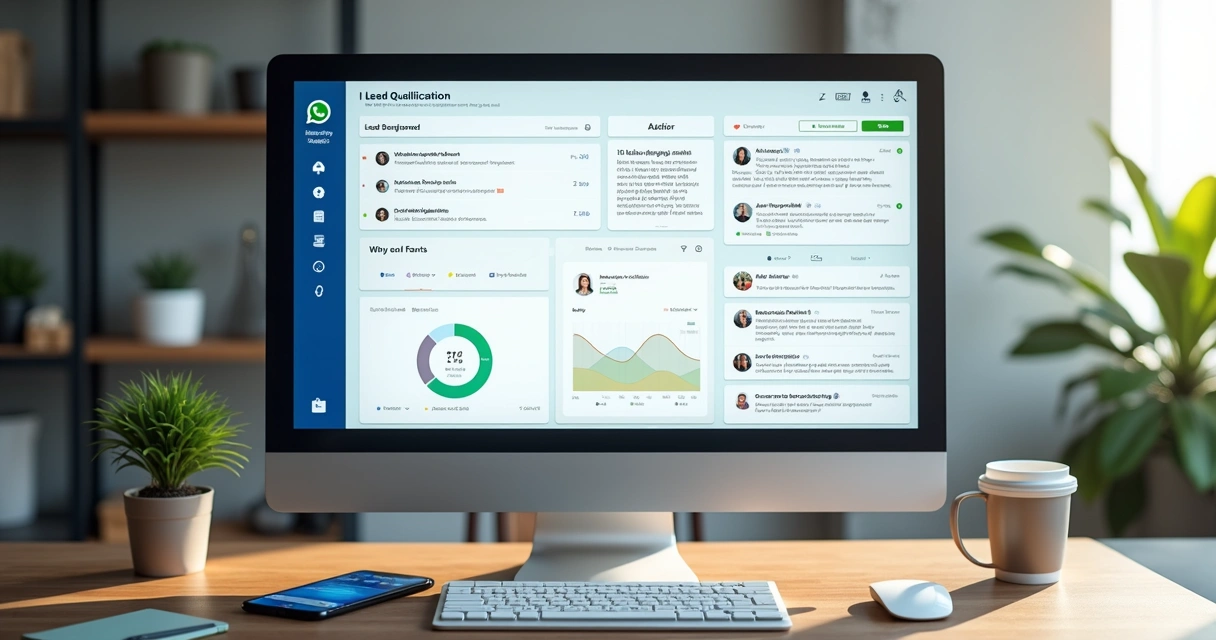
On WhatsApp, I prefer short messages with objective options. Leads want quick answers and natural conversation. If your operation relies on this channel, it's worth checking out this practical guide to integrating AI into WhatsApp customer service, as it helps turn the channel into a real qualification point.
An example:
"Hello. I see you've contacted us. To proceed, please tell me which option best matches what you're looking for: 1. Pricing, 2. Demo, 3. Support, 4. Speak with a consultant."
Instagram and Facebook
On social media, I notice more cold contacts, who are still comparing options. Here, the automatic response should be welcoming and gently draw the conversation forward. Less pressure. More clarity.
A good approach is to ask about the contact's objective and offer to continue the conversation via direct message or WhatsApp, without breaking the flow.
Website and Live Chat
On the website, visitors usually have more intent. Therefore, I use more direct responses. If the person has accessed a service page, the bot can start based on that page.
Example:
"Hello. I see you're on the sales solutions page. Would you like help understanding how it works, seeing pricing, or learning if it makes sense for your business?"
This small adaptation significantly changes the response rate.
What Questions Actually Help Qualify
I've tested flows with generic questions, and the results were almost always weak. Leads respond better when they understand why they are being asked.
The questions that work best usually revolve around:
- The lead's current need.
- The decision deadline.
- Company size or demand volume.
- Preferred channel for continuing support.
For example, for a company that receives many messages, I would ask:
"Are you currently losing leads due to slow response times, lack of staff, or difficulty filtering who is ready to buy?"
This already separates the curious from real opportunities. At Lead2Go, this type of logic makes a difference because the agent can be trained with business context, not just fixed responses.
How to Set Up a Simple and Functional Flow
If I had to start today, I would do this:
- Map the channels where leads arrive.
- Define three or four main intentions.
- Create short responses for each intention.
- Add screening questions in stages.
- Define when to transfer to a human.
A good flow doesn't try to solve everything by itself; it prepares the lead for the right next step.
If your focus is on selling more with process, I also suggest following content in the sales and artificial intelligence categories, because this combination helps understand how automation and customer service can work together.
How to Measure if Automation is Working
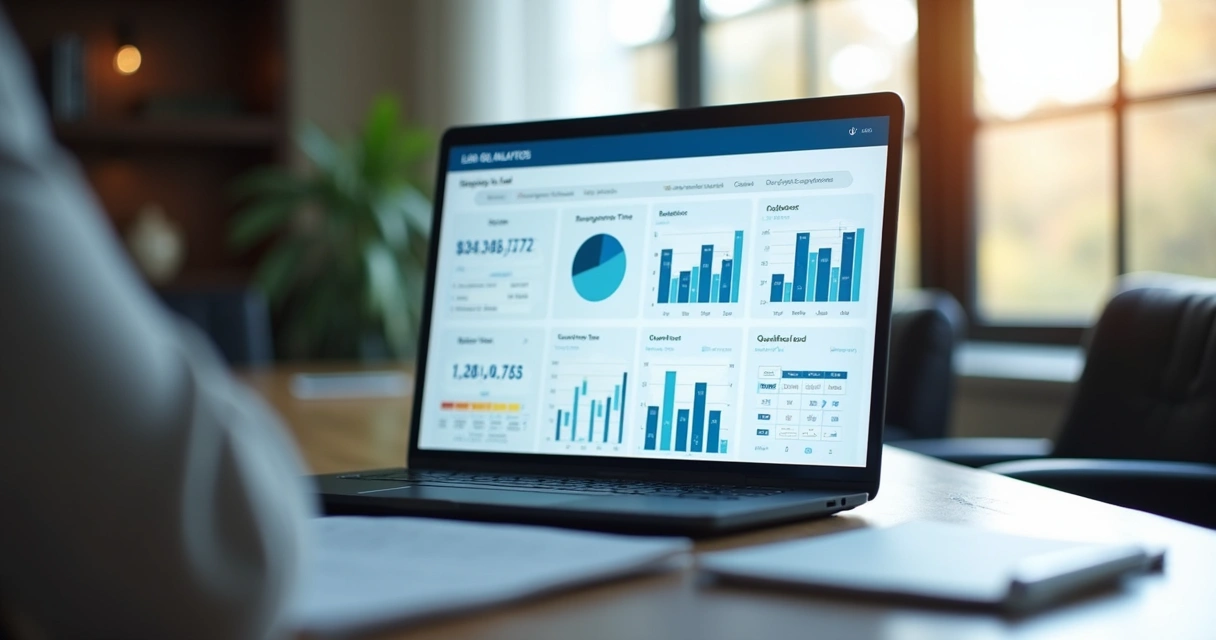
I like to look at a few indicators, but with real attention. It's not enough to just look at message volume. What matters is progress in the funnel.
The most useful signs are:
- Average time to first response.
- Lead response rate after automation.
- Number of qualified leads per channel.
- Transfer rate to human support.
- Final conversion by source.
If you want to delve deeper into this, I recommend this content on what to analyze in lead qualification reports. It helps you see what's hindering conversation and what's driving progress.
It's also worth reviewing your lead response time. In my experience, even small delays significantly reduce the chance of a useful conversation.
Mistakes I Would Avoid
Over time, I've noticed some patterns that ruin results.
- Responding with overly long text right at the beginning.
- Asking too many questions without explaining why.
- Using the same message across all channels.
- Not offering a path to speak with a person.
- Not reviewing data and adjusting the flow.
Some platforms on the market even offer basic automation but get stuck with rigid rules. I prefer a solution that understands conversation context, personalizes service, and keeps the team in control. That's why I see Lead2Go as a more complete alternative for those who want to respond, qualify, and convert without losing naturalness.
Conclusion
Creating automatic responses to qualify leads across different channels is, for me, a practical way to stop losing opportunities due to delay, disorganization, or lack of context. When a company responds quickly, asks good questions, and directs each contact logically, the conversation stops being just customer service and becomes real commercial progress.
If you want to see how this works for your business, my suggestion is to explore Lead2Go and schedule a 30-minute call to understand how to respond, qualify, and convert more leads with continuous and personalized service.
Frequently Asked Questions
What are automatic responses for leads?
These are programmed messages to respond to contacts immediately and start a qualification conversation. They serve to understand the lead's interest, collect basic data, and indicate the next step in customer service.
How to create automatic responses on channels?
I would start by defining the entry channels, the most common questions, and buying signals. Then, I would build short messages with objective questions, organized into a flow. The ideal is to adapt the text to the channel and plan for transfer to human support.
Which channels can I use to qualify leads?
You can qualify leads on WhatsApp, website chat, Instagram, Facebook Messenger, forms, and other messaging channels. The best channel depends on where your audience initiates contact and how your team sells.
Is it worth automating lead qualification?
Yes, it's worth it when a company receives a high volume of contacts and needs to respond quickly. Automation helps filter opportunities, maintain active service outside business hours, and reduce losses due to delays.
How do I know if a lead is qualified?
I consider a lead qualified when they show real interest, have a profile compatible with the offer, and show intent to continue in the process. This can appear in responses about needs, deadlines, budget, and purchase timing.