


If there's one thing I've learned over the years talking to sales and support leaders, it's that losing a lead due to communication failures is costly. It's not uncommon for companies to invest in chatbots to speed up responses, but they end up hitting a silent challenge: the transition from automated to human support. And if this handover isn't done right, the customer feels it, notices it, and might abandon the deal. In this article, I'll share my perspective on how to perform this transfer without data loss or quality degradation, even bringing in everyday scenarios I've witnessed, based on intelligent tools like Lead2Go and best practices validated by current research.
What's at Stake When Transferring Support
When Lead2Go started running in some of my clients' operations, I quickly realized how response time and personalization directly influenced lead satisfaction and qualification. The use of artificial intelligence truly fills gaps in agility and scale, as already discussed in practical guidance for integrating AI into WhatsApp support. However, there comes a moment when the bot, no matter how good, needs to step aside to make way for the human touch.
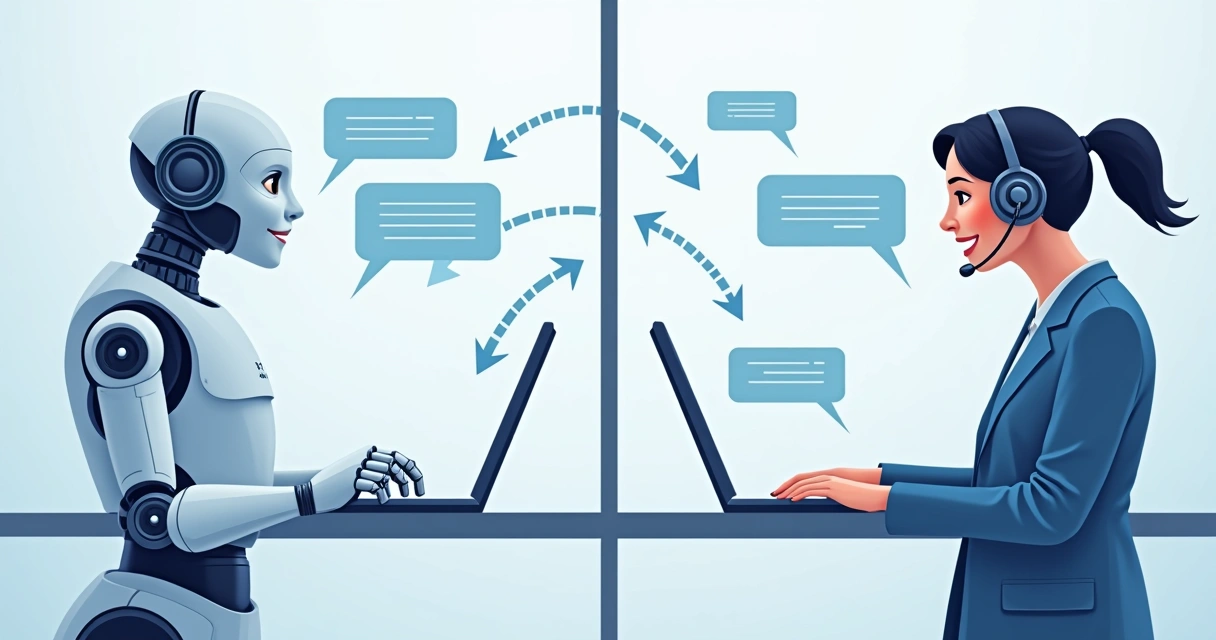
This "baton pass" cannot be abrupt. The customer must feel that the conversation is continuous, that everything has been perfectly understood up to that point, that data and context have been maintained. In other words, transferring support means ensuring the continuity of trust, conversation history, and positive experience. Any disruption can result in a broken expectation that is difficult to repair, according to studies on trust in chatbot interaction.
Trust is only built if the customer feels they don't need to repeat themselves.
How Transfer Works in Practice
In my daily work monitoring sales operations, I see three frequent challenges when directing support from bot to human:
- Loss of history: human support often starts "in the dark."
- Redundant work for the lead: the customer has to repeat information already given to the bot.
- Loss of rhythm: the handover can seem confusing or truncated to the person on the other end.
Modern tools need to solve all these points to avoid wasting the potential of automation. And this is where the differential of systems like Lead2Go comes in: the transfer is fluid, with the entire dialogue record, responses, preferences, and information provided instantly available to the human agent. I've seen this difference up close, and I affirm: it makes all the difference.
The Role of Data in Continuous Support
The secret lies in automatic data centralization. I always explain it this way: when the bot hands over support to a human, it's crucial to ensure the agent receives everything that was said before, in an organized and transparent manner. Not just questions and answers, but the business context, data captured about the lead, and the sales funnel stages already covered.
Manual transfer mechanisms, which require the operator to search for histories in different systems, are not only outdated but also significantly increase the margin for errors. Older or competing platforms may allow history consultation, but they don't always organize data intuitively; I've witnessed operators searching for answers on multiple screens, which is counterproductive.
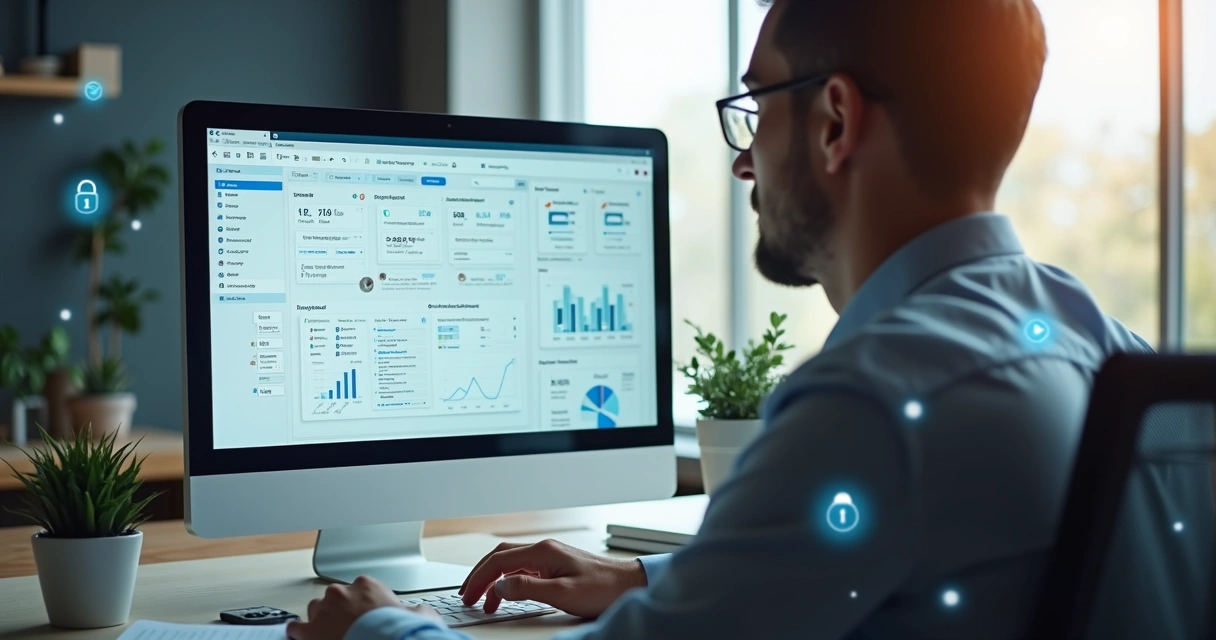
With Lead2Go, this hassle doesn't exist: the human agent already views all data and information on a single screen, integrated with the customer's preferred channel.
Best Practices for a Perfect Transfer
When analyzing studies on the impact of chatbots in customer service, I notice that the feeling of continuity is among the factors that most contribute to technology acceptance and increased customer satisfaction. Therefore, I want to present a step-by-step guide based on what I consider most effective:
- Signal the transition to the leadThe customer doesn't like surprises. So, the bot should clearly and kindly inform that a human agent will now take over the conversation, reinforcing that they already have all the necessary information.
- Transfer the entire conversation historyThis is the step that prevents the lead from having to repeat information. The agent receives the complete timeline of dialogues in real-time.
- Ensure critical data recordingDetails like name, contact, qualification answers, and lead needs cannot get lost along the way.
- Maintain control and metrics of the transferTo continuously improve, the system must record each transfer and its results, allowing for funnel analysis like the ones I teach in best practices for analyzing lead qualification reports.
 Another key point I often advocate for is recording preferences and contact attempt history, which only advanced systems like Lead2Go deliver natively, while market alternatives generally stop at chat transcription.
The Impact on Customer Experience
A quality I always strive for is that the customer feels truly heard and understood. According to research on reactions to chatbots versus humans, when the handover to an agent occurs with empathy and full knowledge of the history, customer satisfaction and trust increase.
Lead2Go achieves this by:
- Securely storing and transferring sensitive data, preserving privacy.
- Allowing transition to a human at any time, without the lead needing to ask and without bureaucracy.
- Offering the customer's preferred channel, whether WhatsApp, website chat, or Instagram, without losing tracking.
The customer will only trust if they perceive that everything they've already said has been considered.
How to Ensure Data Security and Privacy
Another aspect that those on the other side of the screen demand is security, something that has become even more sensitive with the new General Data Protection Law (LGPD). At Lead2Go, all data is protected end-to-end, which reassures both the customer and the sales manager. Protecting records, limiting access only to those who truly need it, and detailing who viewed what should be standard in any modern tool.
While some competing platforms fall short in this granular access control or require external integrations to ensure privacy, Lead2Go was born with this security DNA. This gives me more confidence in recommending its implementation, especially in companies that deal with sensitive or confidential data.
Results: Performance in Sales and Support
I've seen teams surprised by the increase in conversion rates after adopting intelligent bot-to-human transition flows. First, it speeds up response time, as I discuss in advice for improving lead response time. Then, it avoids the old rework of asking the lead to answer the same questions.
 Other sectors, especially those with a high volume of leads or where the average ticket depends on personalized service, see gains not only in satisfaction but also in sales. The secret lies in uniting automation with personalized support, as I advocate in the special category of artificial intelligence for sales and in the universe of current commercial strategies.
I admit: I've seen competitors try to replicate the data-loss-free transfer experience, but the interface still hinders the process or doesn't allow for transfers as naturally as Lead2Go. The truth is, the less the customer notices the change in "voice" during the conversation, the more efficient and natural the support is.
Conclusion
In my view, aligning bots and humans is more than just automating; it's about caring for every detail of the lead's experience. With intelligent systems like Lead2Go, transferring support from bot to human doesn't have to be a trauma for the customer or extra work for your team. By investing in solutions that prioritize data preservation, context continuity, and respect for privacy, your company gains agility, more sales closures, and public recognition.
If you want to see how all this works in practice and transform your team's support into an integrated and fluid experience, I invite you to schedule a demo call with Lead2Go. Discover how to simplify support, improve results, and stop losing opportunities due to lack of information.
Frequently Asked Questions
What is support transfer?
Support transfer is the process of passing a customer contact, initially handled by a bot, to a human agent, maintaining the history and all information already shared in the conversation. This ensures that communication continues without interruptions, providing a fluid and personalized experience.
How do I transfer from a bot to a human?
In modern platforms like Lead2Go, the transfer can be done automatically or manually, always signaling to the customer and ensuring the agent takes over with the complete history and important data at hand.
Do I lose information when transferring support?
With Lead2Go, there is no loss of information during the transfer: the entire history, contexts, responses, and customer needs are automatically passed on to the agent. The platform is designed to prevent leads from having to repeat what has already been said.
What data is sent to the human agent?
The conversation history, lead name, contact details, qualification answers, information about preferences, questions already answered, and sales funnel details are sent, all organized and available to the agent.
Is the transfer automatic or manual?
You can define both: automatic when the bot identifies that a human should take over, or manual when the lead requests it or the operator decides to transfer. The important thing is to always ensure clarity for the customer and complete information delivery to the agent.